Application and audience
For miniature and scale-model painting with water-based acrylic paints.
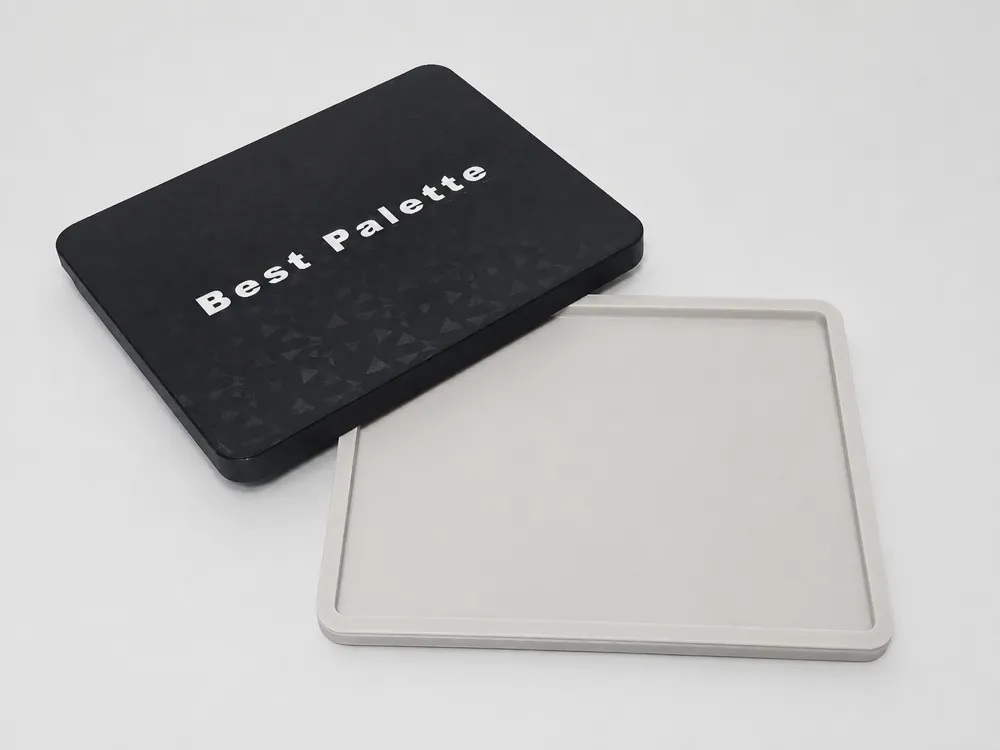
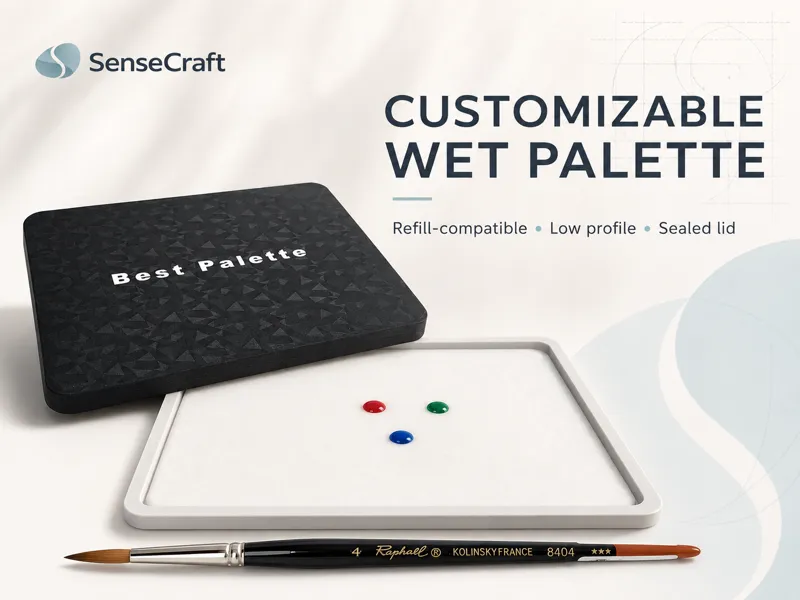
The palette lets you configure paper and sponge dimensions, sponge thickness and wet margin. Base, lid and gasket are separate, replaceable parts. The removable TPU gasket is optional.
Operation and assembly
- Choose Small, Medium or Large, or adjust dimensions with the MakerWorld customizer.
- If using the gasket, place the removable part in the continuous lid channel.
- Saturate the sponge and place the paper in full contact with it, avoiding excessive standing water.
- After use, clean the reservoir, rinse the sponge and gasket, and let all parts dry before storage.
Dimensions and variants
- Small: refill / approximate maximum lid
- Up to 180 × 137 mm / 199 × 156 mm
- Medium: refill / approximate lid
- Up to 225 × 155 mm / 246 × 176 mm
- Large: refill / approximate lid
- Up to 289 × 191 mm / 310 × 212 mm
- Optional gasket
- Removable TPU 95A
Printing information
- Base and lid: PLA, PETG or ASA; 0.4 mm nozzle and 0.20 mm layers.
- Base and lid starting settings: 4 walls, 5 top and bottom layers, 10–15% Gyroid, Arachne, no supports.
- TPU gasket: 0.20 mm layers, Arachne, 100% infill, printed flat without supports. Consult the matching profile.
Care and use
The Large version is monolithic and requires a print area large enough for the part. The gasket helps reduce air exchange and evaporation; no moisture-retention duration or watertightness is guaranteed.
Project questions
Is the gasket required?
No. You can use the palette without a gasket.
Must paper and sponge have the same dimensions?
No. The customizer accepts different dimensions and uses the larger measurement on each axis.
Sources and documentation
Project documentation · reviewed .
Files and instructions on MakerWorld ↗